

FRONTEND TESTING GUIDE
How to Test Frontend Edge Cases Using Real API Traffic
Keep the real request and session, modify the response, and test frontend states your backend doesn’t easily produce.
A billing page receives this response from GET /api/subscription:
{
  "subscription": {
    "status": "active",
    "plan": "pro",
    "renewalDate": "2026-11-20"
  }
}
The happy path works. Now you want to test frontend edge cases without changing the backend, starting with an expired subscription:
{
  "subscription": {
    "status": "expired",
    "plan": "pro",
    "renewalDate": "2026-11-20"
  }
}
Does the warning appear? Are unavailable actions disabled? Is the renewal CTA shown? Does the layout remain correct?
The frontend state is easy to design. Getting the backend to produce it on demand can take longer than testing the screen.
VIDEO WALKTHROUGH
Test a frontend edge case using real API traffic
Watch a real application request move through PayloadPigeon, change one response from active to expired, and test the resulting frontend state without rebuilding the backend setup.
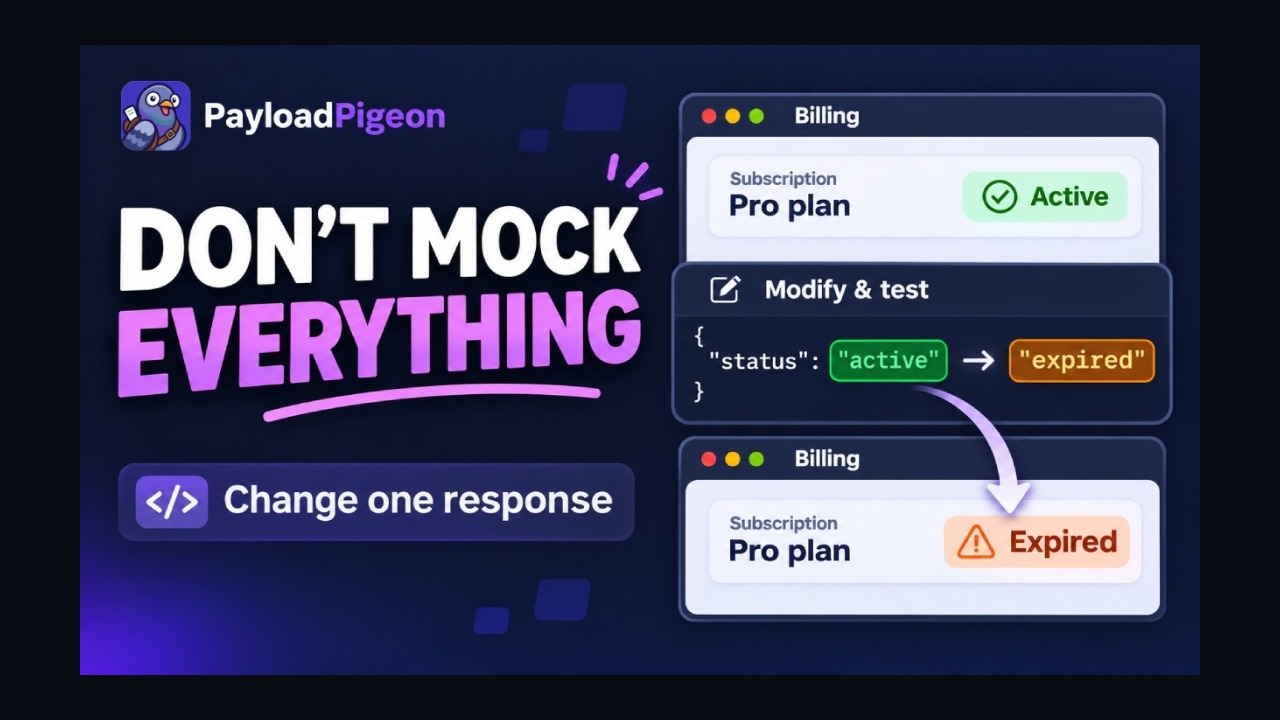
Test frontend edge cases with real API traffic · PayloadPigeon
Selecting Play loads YouTube’s privacy-enhanced player. YouTube then receives your connection data. Privacy details.
Watch on YouTube ↗Rare frontend states depend on backend data
Testing an expired subscription on staging might mean finding a special test user, changing database data, asking a backend developer, or adding a fixture or temporary endpoint.
That setup makes sense for testing the subscription lifecycle. For a warning and a few controls, it can take longer than the check.
Start with the real request
PayloadPigeon captures traffic your running application already creates. Start Capture in the application tab, perform the normal interaction, and find the response that controls the screen.
Real app + session
      ↓
Modify one real response
      ↓
Test the frontend
The browser and application keep handling authentication, cookies, authorization headers, endpoint selection, query parameters, and the current user. You follow the normal frontend workflow and change only the response condition needed for this check.
Real request. Real session. Different response.
For the current browser session, there is no need to copy credentials into a separate tool. Stay in your application's normal authenticated browser context. If several requests look plausible, the View Activity guide explains how to narrow the traffic around one interaction.
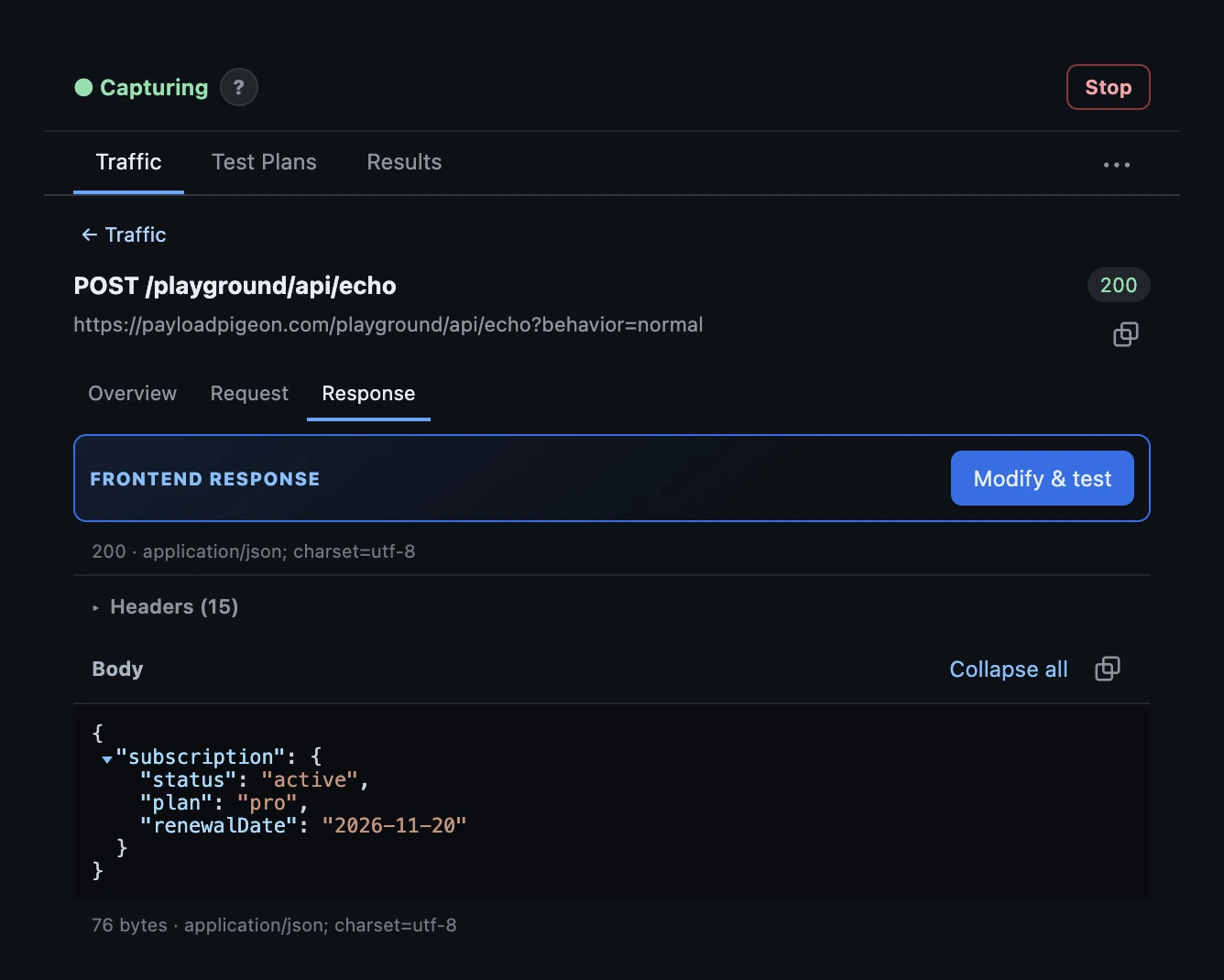
Demo note: Screenshots use deterministic Playground data; in your application, PayloadPigeon works with the traffic created by your normal browser session.
Example: test an expired subscription
Start Capture, then open or refresh your billing page. Find GET /api/subscription in Traffic and inspect its response.
Open Modify & test and change only the subscription status:
"status": "active" → "status": "expired"Keep the full JSON wrapper, plan, and renewal date unchanged.
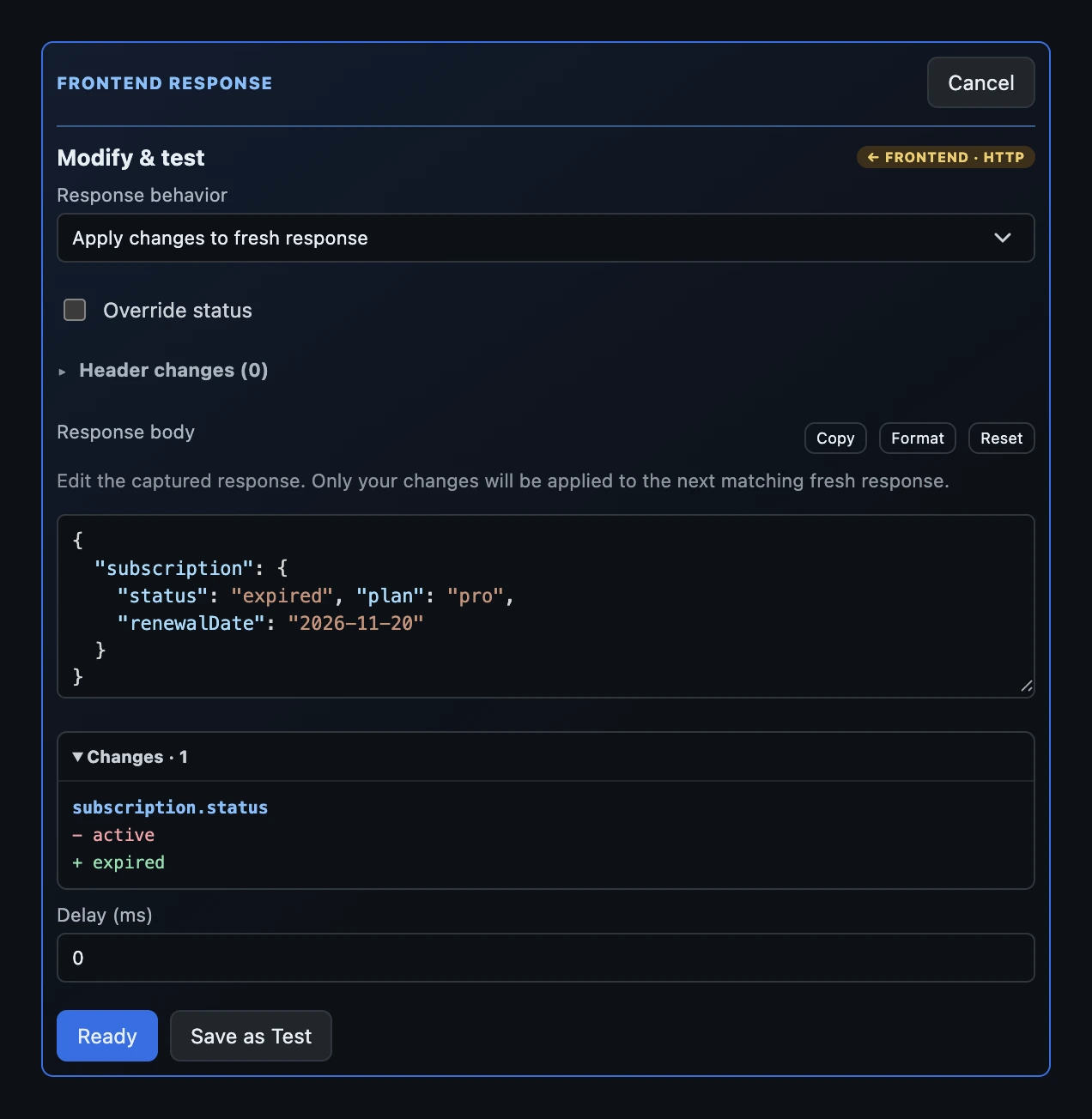
Select Ready, then repeat the application interaction that requests the subscription. Confirm the change was applied, then inspect the frontend.
Note: Ready waits for the next matching request. If the page uses cached data, trigger a normal refetch through the application.
Check the expired-state warning, disabled actions, renewal CTA, and layout at narrow widths. Watch the transition too: does loading finish, does the active state linger, and can the user recover?
Try the same edit in the HTTP Playground: send the opening JSON with Capture running, modify the response, select Ready, and send again.
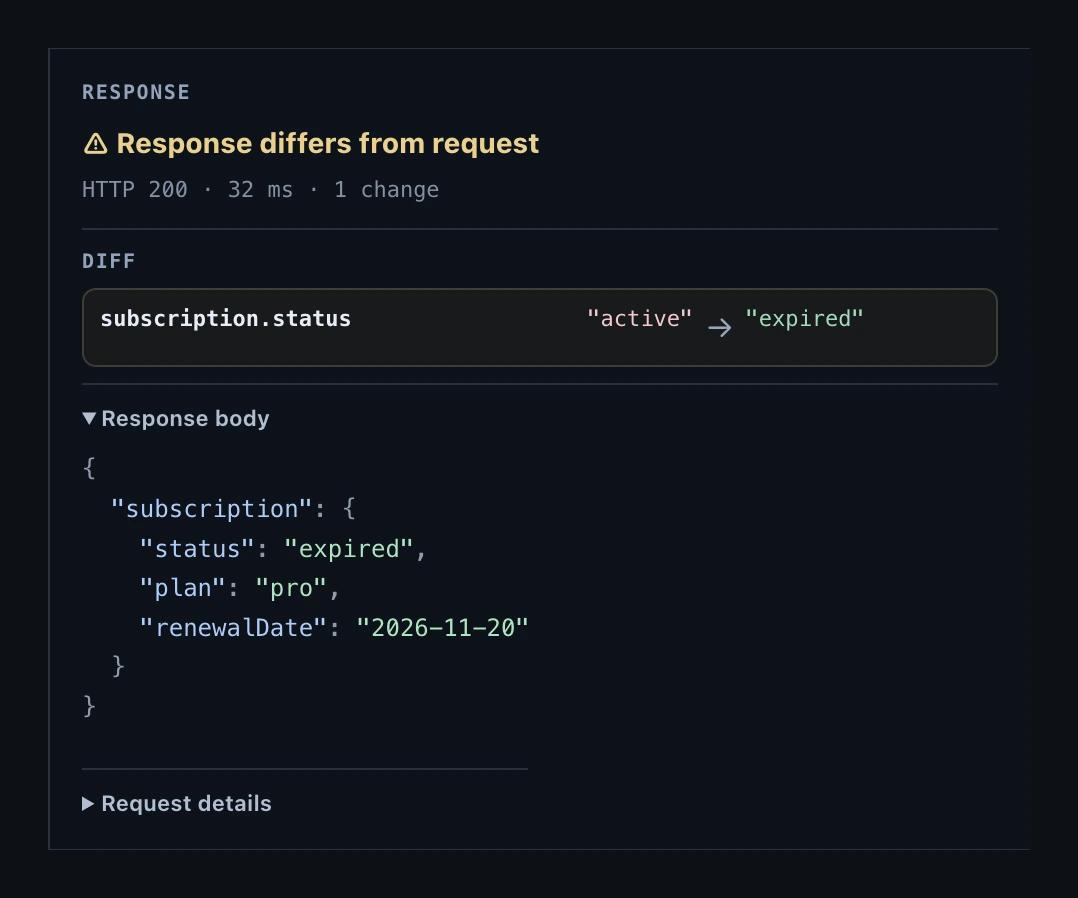
The Playground shows Response differs from request and the field change. In your application, judge the actual screen against the behavior you expect.
One real response, several edge cases
Reuse the baseline to check nearby branches. These fragments show only the object inside subscription; keep the outer wrapper when editing the full response.
Baseline
{
  "status": "active",
  "plan": "pro",
  "renewalDate": "2026-11-20"
}
Expired
{
  "status": "expired",
  "plan": "pro",
  "renewalDate": "2026-11-20"
}
Missing field
{
  "status": "active",
  "plan": "pro"
}
Null value
{
  "status": "active",
  "plan": null,
  "renewalDate": "2026-11-20"
}
Start each variant from the baseline so an earlier edit does not carry over. Removing renewalDate checks the missing-date fallback. Setting plan to null checks whether the page renders a useful label or crashes while reading it. Missing and null are distinct cases.
When a mock server is still the better tool
Choose a mock server or test backend for complete backend independence, offline development, many mocked endpoints, deterministic CI fixtures, automated integration tests, or complex server-side behavior.
Here the application and backend already work. The question is narrower:
What will the frontend do if this particular response is slightly different?
Starting from captured traffic gives you a quick manual-testing workflow for that question. It complements a mock server and automated coverage.
Test the condition you care about
For a single frontend edge case, you may not need another backend state or a full mock environment.
Start with the request your app already makes. Change what you need. Repeat the interaction.
Don’t mock the whole flow just to test one state.
Try the HTTP Playground, or Add to Chrome to check your own application with PayloadPigeon.